Quick Grasshopper Intro at NJIT
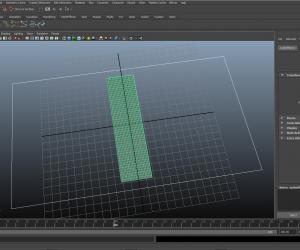
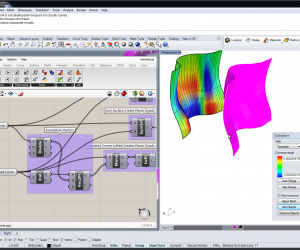
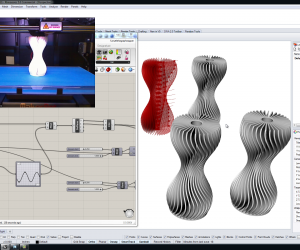
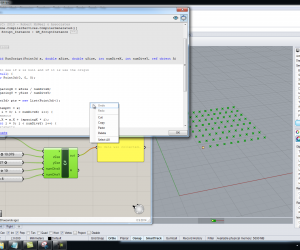
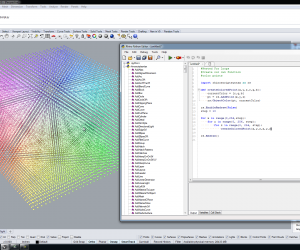
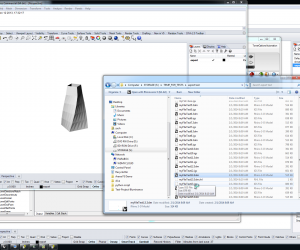
Friday, October 2, 2009 16:27This is a “quick” introduction to Grasshopper I did for SHoP Construction’s fall studio at NJIT run by Jon Mallie and John Cerone. Most of the things in this video are covered in other videos on the site but it introduces a few new features added to Grasshopper. Toward the end of the tutorial we cover relationships between Grasshopper and Excel. If you want to skip ahead to that part it is near the 100min mark of the video. This tutorial skips over a lot of the basics regarding canvas navigation, component colors, etc. and dives right in to some examples.
The audio is a little rough because I’m using the laptop’s microphone, which makes my keystrokes sound like someone’s hitting a punching bag.
You can follow any responses to this entry through the RSS 2.0 feed.
You can leave a response, or trackback from your own site.

biboarchitect says:
October 11th, 2009 at 4:15 am
Hi,
Its a very useful video tutorial, but i am sorry it’s not complete, only the first 35 min, It works fine till then then it stops.
I don’t know if that is something with my browser or its like that
samir says:
October 16th, 2009 at 3:39 am
hi zach any chance of u posting the rest of the videos from the vtech workshop u gave.
regards
samir
Heifung says:
October 23rd, 2009 at 2:52 am
Hi, very cool stuffs, i’m doing similar thing in uni, can i have a look at the ghx? i don’t mind sharing mine.
007 says:
November 3rd, 2009 at 2:04 pm
hey,
great video!
Is there a possiblity to download the whole video?
I cant fastforward it. Sometimes it randomly stops at around 25 mins.
thanks
Grasshopper Tutorials & Handouts « responsive_wall says:
November 18th, 2009 at 10:27 am
[...] Grasshoper Primer _ Lift Architects Algorithmic Modeling by Mohamad Khabazi Quick Grasshopper Intro at NJIT [...]
George says:
November 19th, 2009 at 10:35 pm
Hey, Great video and great website, thank you!
I wanted to know if some one could help explain why when i introduce a second component ( in the video this is the box withx the hole in it) and try to panel the surface using the cull pattern component that the orientation of all the panels goes haywire, like it does in the tutorial video! I believe the solution given in the video is to make sure each component is the same size but this doesn’t work. Any help would be really really appreciated!
Regards,
George.
Nels Long says:
January 28th, 2010 at 2:45 am
Great stuff here. you were the only person I found with a solution to getting excel files back into GH without getting into all the nasty scripting stuff. little problem though when i input my path to my csv file the error occured: could not create the event engine for ___ the file___ which resulted in a 0: null in the sticky pad on the other side of the look in file node.
little help please!!
thanks
Timea Nicolaisen says:
July 16th, 2010 at 5:59 am
Hi, I am trying to do something similar as you, and i stucked in the middle. It works with normal surfaces, but not with polysurface. Is that normal? I can not create nice pattern with grasshopper not even with panelling tools for polysurfaces, then with what?
Thanks a lot in advance!
MIKE says:
July 22nd, 2010 at 6:39 pm
great VIDEO tutorial