Top Rated Tutorials

#B99AFF

This tutorial is from my Intro to Computation and Fabrication class at CUNY.

5
Average: 5 (1 vote)
By: Zach Downey
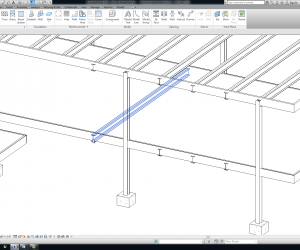
Farnsworth House Floors

In this tutorial we add the travertine floors to the Revit model.

4
Average: 4 (5 votes)
By: Zach Downey
#B99AFF

This tutorial introduces the class to the image map component.

5
Average: 5 (1 vote)
By: Zach Downey
Maya Animation 02 Course Image

In this tutorial, Brian shows how geometry can be made to travel along curves using motion paths.

5
Average: 5 (3 votes)
By: Brian Ringley

In this tutorial we take a look at vectors and how to create simple object transformations using them.

5
Average: 5 (7 votes)
By: Zach Downey

In this quick tutorial we apply what we learned about lists and loops from part 3 to create a list of points.

5
Average: 4.8 (9 votes)
By: Zach Downey
#B99AFF

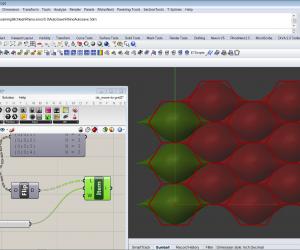
Using Grasshopper to mask surface morphed geometry once it hits a threshold and replacing it with another system.

4
Average: 3.8 (14 votes)
By: Brian Ringley

In this tutorial Brian adds some complexity to the surface to be used for toolpathing by deforming its edges along a sine curve.

3
Average: 2.5 (2 votes)
By: Brian Ringley

In this tutorial, we read through a csv text file and create new points in 

5
Average: 4.9 (10 votes)
By: Zach Downey
#B99AFF

Using RhinoCAM to toolpath surface isocurve-based patterns generated in Grasshopper.

5
Average: 4.3 (4 votes)
By: Brian Ringley
#B99AFF

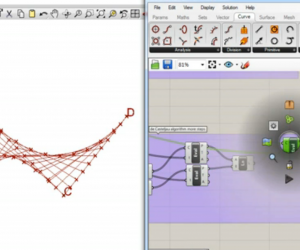
This is a tutorial from my Intro to Computation and Fabrication class at CUNY.  This covers Curve types in Grasshopper.

3
Average: 3 (2 votes)
By: Zach Downey

Pages

Want to Contribute?

Want to be an author? Drop us a line here we'd love to have you.

Already have a video you'd like to post? Send us a link and we'll get you going.

:)
